Plan the portfolio before the layout
Select the projects and images that represent your business accurately. Grouping work by project helps a visitor understand a complete space, rather than browsing unrelated photographs.
For each project, prepare a name or description, the type of space, and the parts of the work you are permitted to show. Photographs should be owned by you or used with permission.
Explore an interior website project
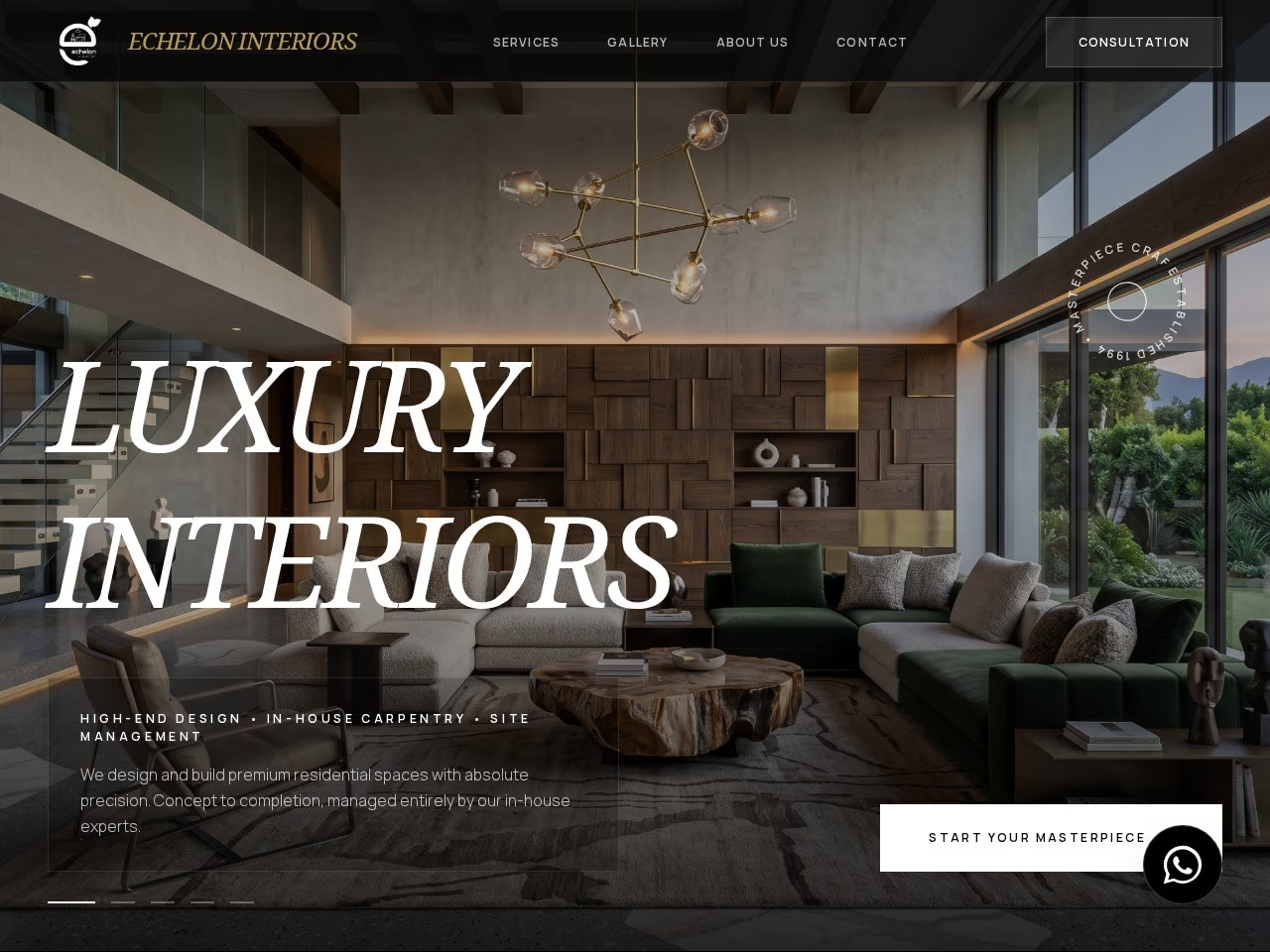
Echelon Interiors ↗ is a visually led website in my selected portfolio. The project page shows its design direction and links to the live business website.
Use the example to discuss the balance you want between large imagery, business information, and project content. Your website scope should reflect your own portfolio and services.
Content that helps an enquiry
- A clear introduction to the design services you offer.
- Selected project photography with the context visitors need.
- A business profile and the people a client will work with.
- A description of how an initial enquiry proceeds.
- Contact details and the information you need to discuss a new space.
Decide how future projects will be added
If your portfolio changes regularly, discuss which content needs to be editable in the CMS. The $400 Website + CMS package covers five pages with supported content editing; the $500 Complete Website covers ten pages.
Project archive size, filtering, new project layouts, and other custom functions should be agreed before the build. A fixed page count does not imply an unlimited portfolio system.
Keep image-heavy pages practical
Use original images at appropriate sizes and select the photographs that add useful information. A portfolio needs to be clear and comfortable to browse on a phone as well as a large screen.
Send a small selection of representative projects with your enquiry. I can help you choose the package or custom scope that fits the presentation you want.